

How to Examine Phishing Attempts
People frequently ask Digitrace how to look into phishing activity—whether it’s suspicious emails, fake websites, or entire scam networks. The topic has become increasingly important as phishing continues to spread at a rapid pace. Scamwatch reports that United kingdom citizens have submitted around 108,600 phishing complaints in the past year alone. And since these figures only account for incidents that were actually recognised and reported, the true number is likely far higher. Phishing remains one of the most common entry points for attackers seeking unauthorised access to personal accounts, business systems, or sensitive data. The individuals behind these attempts vary widely in skill level—from curious teenagers experimenting with basic techniques to highly sophisticated, organised groups, including state-backed actors.
This rise in phishing activity mirrors what’s happening around the world, with global reports indicating that phishing has climbed to its highest levels since 2020. In the United Kingdom, for example, attackers have become increasingly advanced, often focusing on sectors like finance, healthcare, and small businesses—industries that tend to be more susceptible to these types of threats.
In this article, we’ll walk you through the key steps involved in examining phishing emails so you can better understand how to analyse and respond to them effectively.
What Is Phishing?
Phishing emails are fraudulent messages crafted to deceive recipients into handing over private information—anything from account passwords and banking details to personal data like their physical location. These messages are often disguised as notifications from legitimate organisations, including government departments, major brands, or familiar service providers. Many phishing emails are so convincingly designed that even experienced professionals may need a closer look to confirm they’re malicious. To make matters worse, phishing tactics evolve rapidly. Attackers continually refine their layouts, wording, and techniques, making it challenging for security tools and anti-malware systems to detect the most sophisticated attempts in real time.
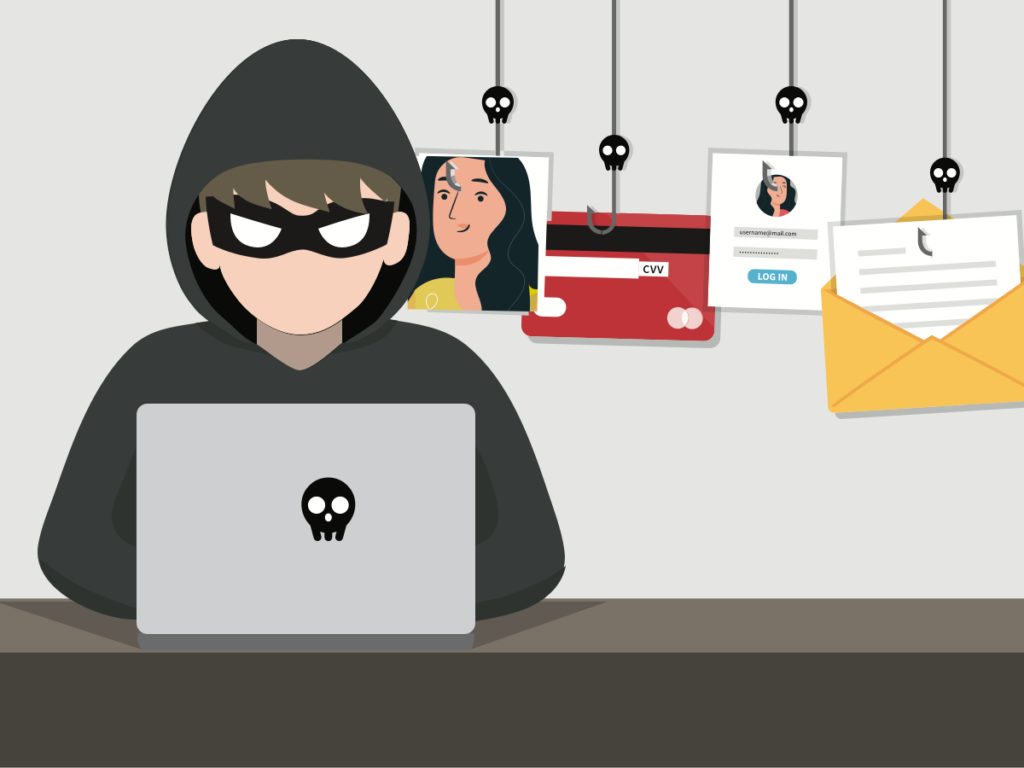
Phishing schemes are delivered through a variety of channels—fake websites, deceptive emails, SMS messages, WhatsApp conversations, other messaging apps, and even phone calls.
Below are the key steps that can help you recognise a phishing attempt and begin investigating it properly.
Step 1: Look Closely at the Sender’s Email Address
Your first move when analysing a suspected phishing email is to verify where it actually came from. Scammers often mimic real email addresses, making only tiny alterations that are easy to miss—such as swapping a letter, adding a hyphen, or using a domain that looks almost identical to the real one. Don’t rely on the display name alone; always expand the details to view the full sender address. For example, a legitimate domain might use something like support@digitrace.site, while a fraudulent version could appear as support@digitrace.s1te or support@cybtal.site. Small variations like these are common indicators of a phishing attempt.
Step 2: Inspect Any Links Before Clicking
Phishing messages almost always contain one or more links designed to lure you into taking action. This is where the real risk begins. Clicking a malicious link can redirect you to a fake website engineered to steal your credentials, trigger a malware download, or even reveal information like your IP address and general location. Before interacting with any link, hover your cursor over it (or long-press on mobile) to see the actual URL. If it looks unusual, misspelled, or unrelated to the claimed sender, assume it’s unsafe.
When assessing whether a link is part of a phishing attempt, compare the URL with the organisation it claims to represent. For instance, if the message appears to be from ANZ, the link should point to anz.com, which is the bank’s legitimate domain. Anything that doesn’t align with the official address should immediately raise suspicion. Even high-quality antivirus software can miss threats, particularly when attackers use customised or newly developed malware.
That’s why it’s important to double-check domains yourself.Digitrace suggests using our free scam-domain checker to evaluate the risk level of any URL you’re unsure about. While no tool can guarantee perfect detection, it’s highly effective at flagging suspicious or unsafe domains. You can access it here:
ScamID™ Scam Detector
Step 3: Watch for Odd Wording or Unusual Requests
A hallmark of phishing is the sense of urgency it tries to create. Scammers often push you to act immediately—whether it’s “verify your account,” “update your details,” or “respond within minutes.” This pressure is intentional, designed to make you react quickly rather than pause and look for warning signs. That urgency alone should be treated as a red flag. While modern generative AI tools like ChatGPT have made phishing emails sound far more natural and polished, the overall context and presentation still matter. Look at the formatting, tone, and the nature of the request. If anything feels out of place or inconsistent with how the sender normally communicates, consider it a strong indicator that the message may not be legitimate.
Step 4: Review the Email Header
The email header can reveal a lot about where a message originated, including the servers it passed through and the path it took to reach your inbox. While this information is extremely useful for tracing suspicious emails, analysing headers can be complex and isn’t usually recommended for beginners as a standalone method of verification. Fortunately, there are reliable online tools that can help break down header data into something more understandable. If you want to explore this option, services like MXToolbox provide an easy way to paste in an email header and get a readable breakdown of the technical details.
While automated analysis tools can be very helpful, they aren’t perfect and can sometimes produce false alarms. For example, a legitimate email from one of Digitrace’s own suppliers once triggered a DKIM authentication failure. In that situation, the issue stemmed from Amazon Web Services (AWS) being temporarily blacklisted—likely the result of automated systems reacting to misuse by a single user. It wasn’t an indication of phishing, just an isolated technical glitch.
If you’re ever unsure about what the email header is telling you, it’s best to get guidance from professionals who specialise in this area, such as the team at Digitrace.
Step 5: Confirm Directly with the Organisation
If you’re still uncertain after reviewing the message, the safest next step is to reach out to the organisation it claims to be from. Use a verified phone number from their official website—never respond to the email or use contact details provided in the suspicious message. Speaking directly with someone from the company can quickly confirm whether the communication is genuine or a phishing attempt.
Payment-redirection scams—often referred to as business email compromise—are essentially a more sophisticated form of phishing. In these cases, most of the communication in the email thread is legitimate, but at some point a scammer slips in and changes the banking details. As a result, the victim unknowingly sends money to the criminal instead of the intended person or business.
These attacks typically happen when cybercriminals intercept email exchanges involving invoices, property settlements, or other high-value transactions. Because they often involve real estate payments, deposits, or business invoices, the consequences can be financially devastating and extremely distressing for everyone involved.
If you suspect that payment redirection might be part of a phishing attempt, the first and most important step is to confirm the payment details directly with the recipient using a verified phone number—never rely on email or text messages when money is involved. After that, it’s wise to check whether your own account—or the payee’s—may have been compromised. A quick way to do this is to search for leaked credentials using a trusted breach-notification service such as haveibeenpwned.com.
If you don’t find any signs of compromised login details but still feel something isn’t right, it’s wise to escalate the matter. While Have I Been Pwned is a valuable and trustworthy tool, it only reports breaches that have already been made public. It doesn’t provide real-time monitoring. Digitrace, on the other hand, conducts live investigations. Our systems actively search the dark web using advanced AI-driven tools to detect exposed data as it appears. In many cases, we uncover breaches long before they show up in public databases like Have I Been Pwned. If you’re still unsure or need deeper analysis, reach out to Digitrace for a thorough assessment.
Step 6: Report the Phishing Attempt
Reporting phishing attempts plays an important role in helping authorities and security teams track, shut down, and prevent future scams. In UK, suspicious emails can be forwarded to the National Cyber Security Centre (NCSC) for investigation. It’s also a good idea to notify your email provider and the legitimate organisation the scammers were pretending to represent. This helps them take action and warn other potential targets.
Step 7: Seek Help from Professional Investigators
If you believe you’re facing a sophisticated or highly targeted phishing attempt, bringing in professionals can be the safest option. Digitrace specialises in analysing phishing emails and uncovering where these attacks originate.
Our team uses advanced tools and investigative methods to track the digital footprints of scammers, examine associated websites, identify those involved, and help strengthen your defences against future threats. If you need expert guidance or in-depth analysis, feel free to reach out to us for support.
Latest Posts